90%
80%
40%
65%
Animated Circular Progress Bars
For this I used HTML, CSS and javascript.
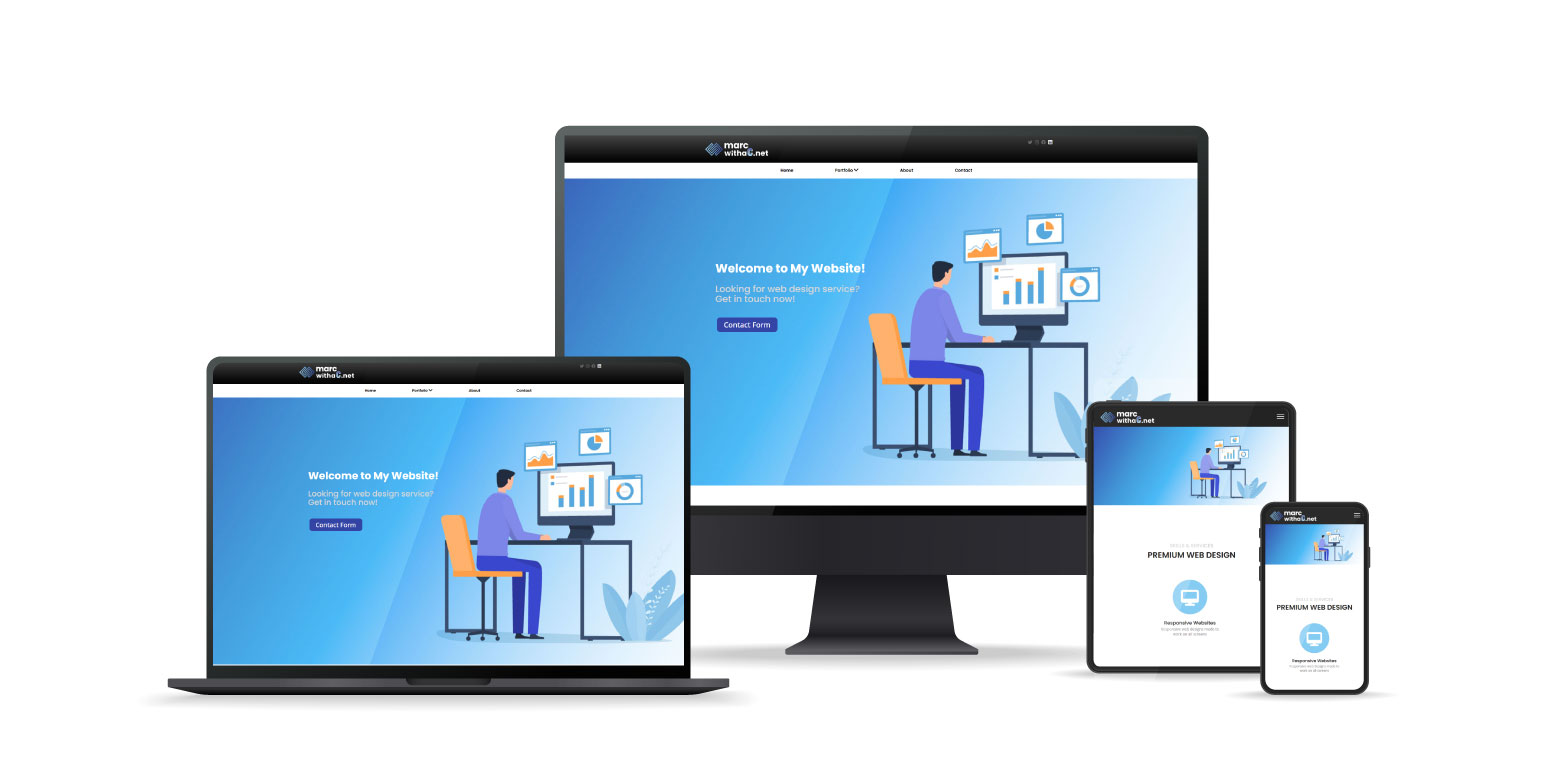
Responsive Web Designs
All website elements are responsive and made to display properly on all screens. I am able to do this by using the @ media rule then specifying a max-width. For the phone I use a max-width of 768.
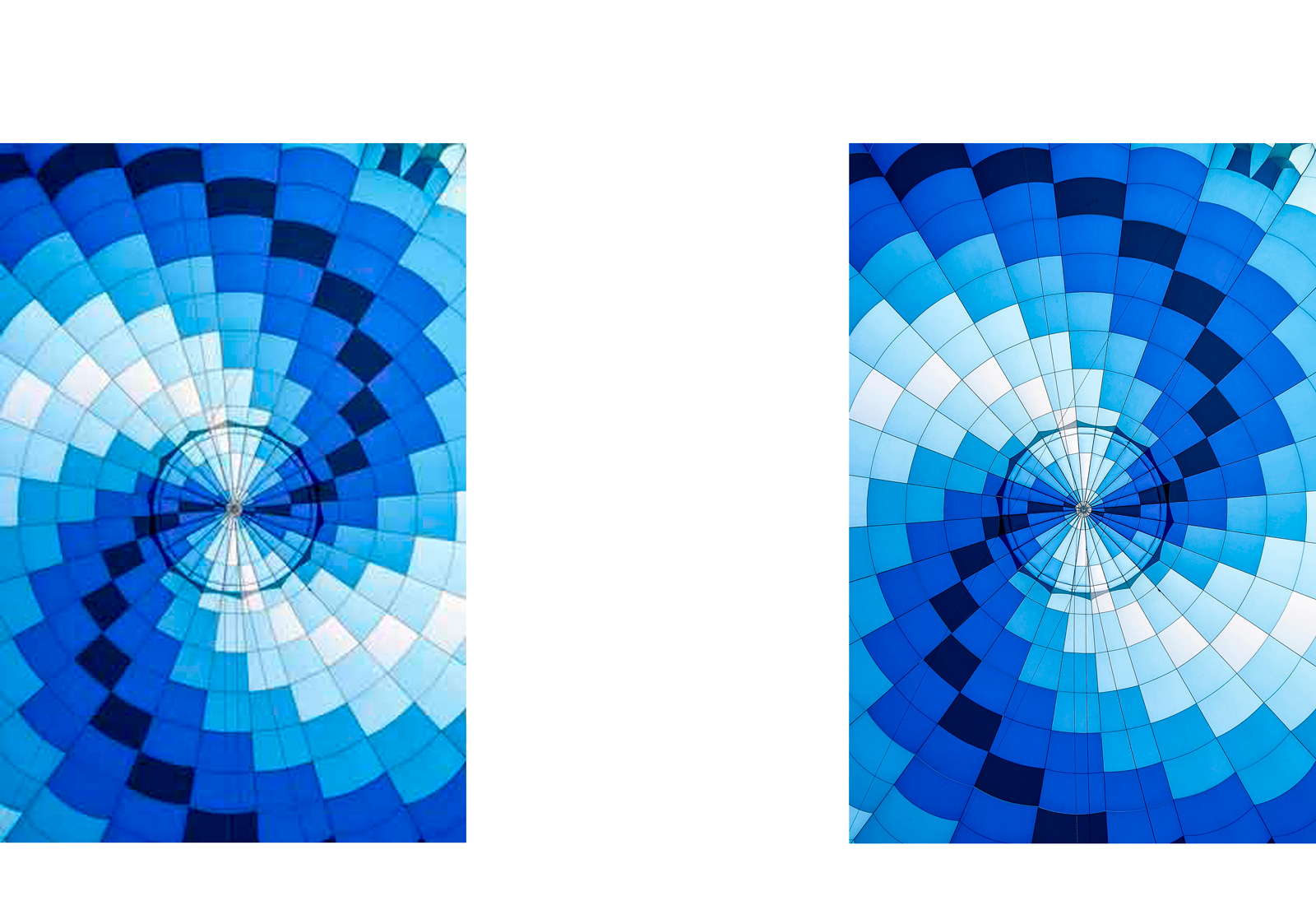
High Resolution Images
On the left is a low resolution image and on the right is a high resolution image. All of the images on the this website are high resolution images. To do this I will measure the size of the area I want to cover, then double that resolution and create a new image. Next I’ll go into the code and set the width to the original size (not the doubled size) using either inline CSS or an external style sheet. By setting the width to the original size in the code but using an image that’s double the size is one way to implement high res images onto your website. These higher resolution images are also referred to as retina images, named after Apple’s higher dpi retina displays. Also, the images are made using “save for web” which compresses the files so they are webpage ready and don’t take a long time to load.
Pounds of Apples and Oranges Sold (2024 vs 2025)
| Month | Sum for 2025 (Apples) | Increase/Decrease | Sum for 2025 (Oranges) | Increase/Decrease |
|---|---|---|---|---|
| January | 1081 | 6.6% | 568 | 7.1% |
| February | 892 | -5.7% | 748 | -8.6% |
| March | 1064 | 10.0% | 392 | 14.8% |
| April | 1121 | 7.1% | 296 | -5.2% |
| May | 1592 | -6.6% | 489 | 3.8% |
| June | 1203 | 9.4% | 302 | 11.9% |
| July | 1432 | 8.3% | 491 | -6.2% |
| August | 1526 | 10.3% | 246 | 7.1% |
| September | 1339 | -9.1% | 278 | -6.2% |
| October | 1863 | 10.3% | 356 | 10.0% |
| November | 1942 | -8.8% | 692 | 14.3% |
| December | 1776 | 8.0% | 651 | -4.8% |
TablePress Tables
These tables are great for displaying data onto web pages. The Tablepress Plugin makes it very easy to import excel style tables from spreadsheets. These tables can be exported as individual CSV files or you can load CSVs from excel spreadsheets into tablepress.
Milkshake Font
Specialty Fonts & Icons, Milkshake and Font Awesome